Logsteer
Capabilities and features
From your first quote to field work and time tracking. Choose support for every part of your business.
All your key business functions
Enable what you need today. Add the rest when you're ready.
Customers, quotes, jobs and time records are available in the same app. Your team can easily find what it needs for the next step.
Customers and sales
Prepare quotes faster with contacts, addresses, agreements, notes and customer history always at hand.
Enquiries, customers, contacts, locations, agreements and customer history.
Quotes
Prepare quotes faster and track customer responses. Items, prices, discounts and agreed terms stay in one place.
Preparation, statuses, notes, documents and quote downloads.
Work orders, projects and service
Every accepted job follows a clear workflow from preparation and delivery to installation, service or complaints.
Work orders, projects, production, installations, service and complaints.
Tasks and processes
People receive the right task at the right time, while delays and missed deadlines become visible early.
Stages, priorities, deadlines, responsibilities and automated steps.
Products and stock
Sales and operations use the same catalogue, prices and stock information, reducing errors and unwelcome surprises.
Price lists, measurements, data imports, reservations and stock movements.
Calendar, teams and field work
Coordinate people, appointments and locations more easily, while field teams have all the key information on their phones.
Scheduling, capacity, field work, mobile access and notifications.
Time and attendance
Keep track of clock-ins, clock-outs and working hours without collecting paperwork. Track vehicle and equipment usage time, too.
Mobile clock-in, hours overview, record review and export.
Communication and marketing
Customer messages and team agreements stay linked to the right job instead of being scattered across private channels.
SMS, email, chat, campaigns, replies and consent records.
Documents and search
Find the latest quote, drawing, form or signature without searching computers and old messages.
Files, versions, PDF forms, digital signatures and quick search.
Business overview
Track statuses, deadlines, workloads and results to make decisions based on the actual situation.
Completion estimates, team workloads, time spent and results.
Access and security
Each person sees what they need, while important data and change history remain under control.
User permissions, activity logs, security and backups.
Quotes
Prepare quotes faster. Know where every agreement stands.
The customer, items, prices, discounts and terms are all in one place. Track which quotes are being prepared, have been sent or have been accepted, together with their notes and documents.
See it with an example from your businessLess duplicate entry
Add products from the catalogue, use item templates or import an existing list. Leave more time for the customer.
Clear prices and terms
Adjust prices and discounts for each customer, with an overview of totals and VAT. Record payment, delivery and warranty terms.
An overview of every agreement
Distinguish between sent, accepted and rejected quotes. Status history, notes and documents make follow-up conversations easier.
A quote ready for the customer
Download a formatted Excel quote with customer details, items and terms, ready to send.
Mobile access and field work
Mobile access for office and field teams
People don't need to be at a computer to have accurate information. Tasks, addresses, documents and notifications stay with them all day.
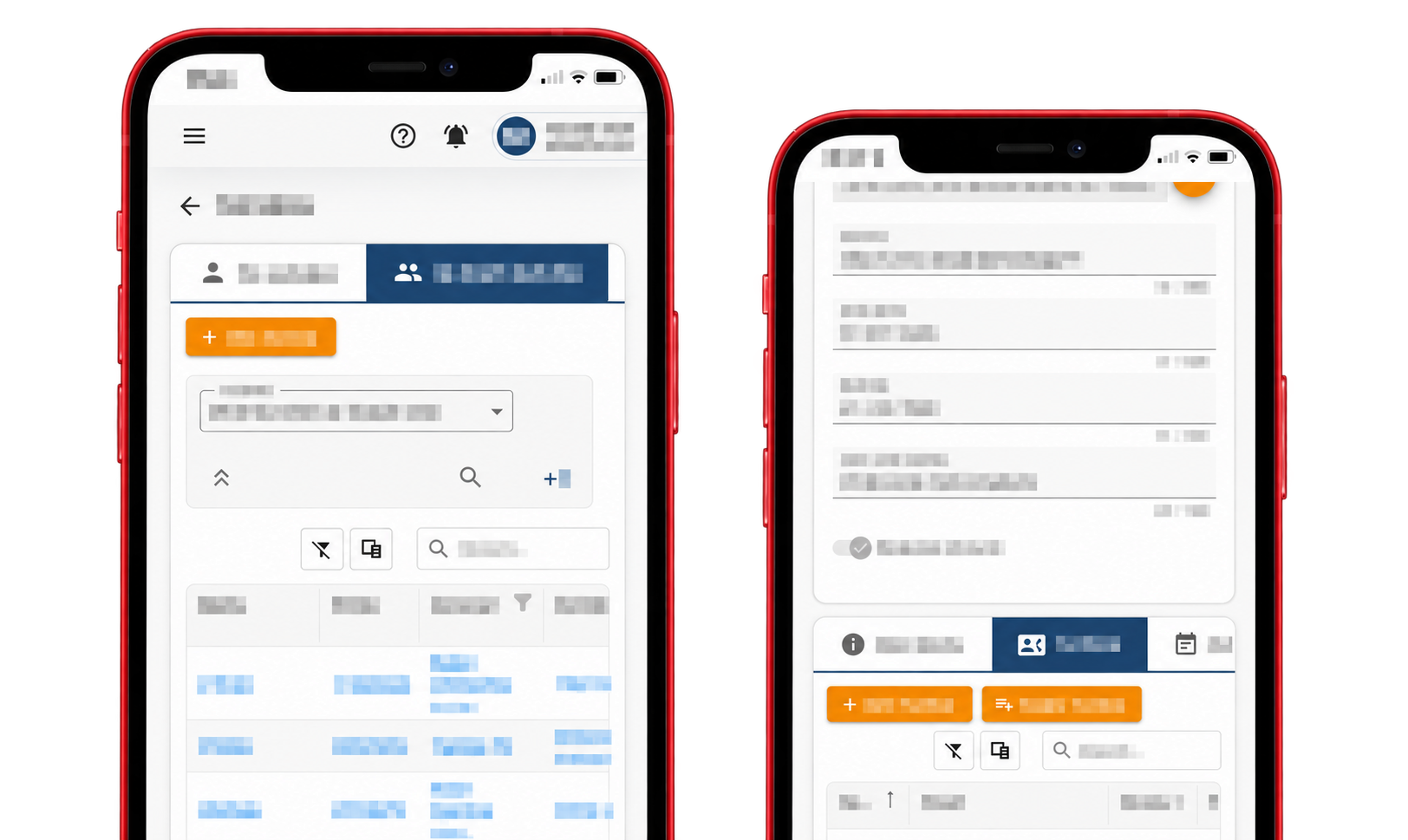
Everything important is always at hand
Push notifications arrive instantly
New tasks, reminders and important changes reach the right person without extra phone calls.
Customer, address and task in your pocket
Field teams can immediately see where to go, what to do and which documents belong to the job.
The office sees progress immediately
When a job starts, changes status or finishes, the information is immediately available to those coordinating the next step.
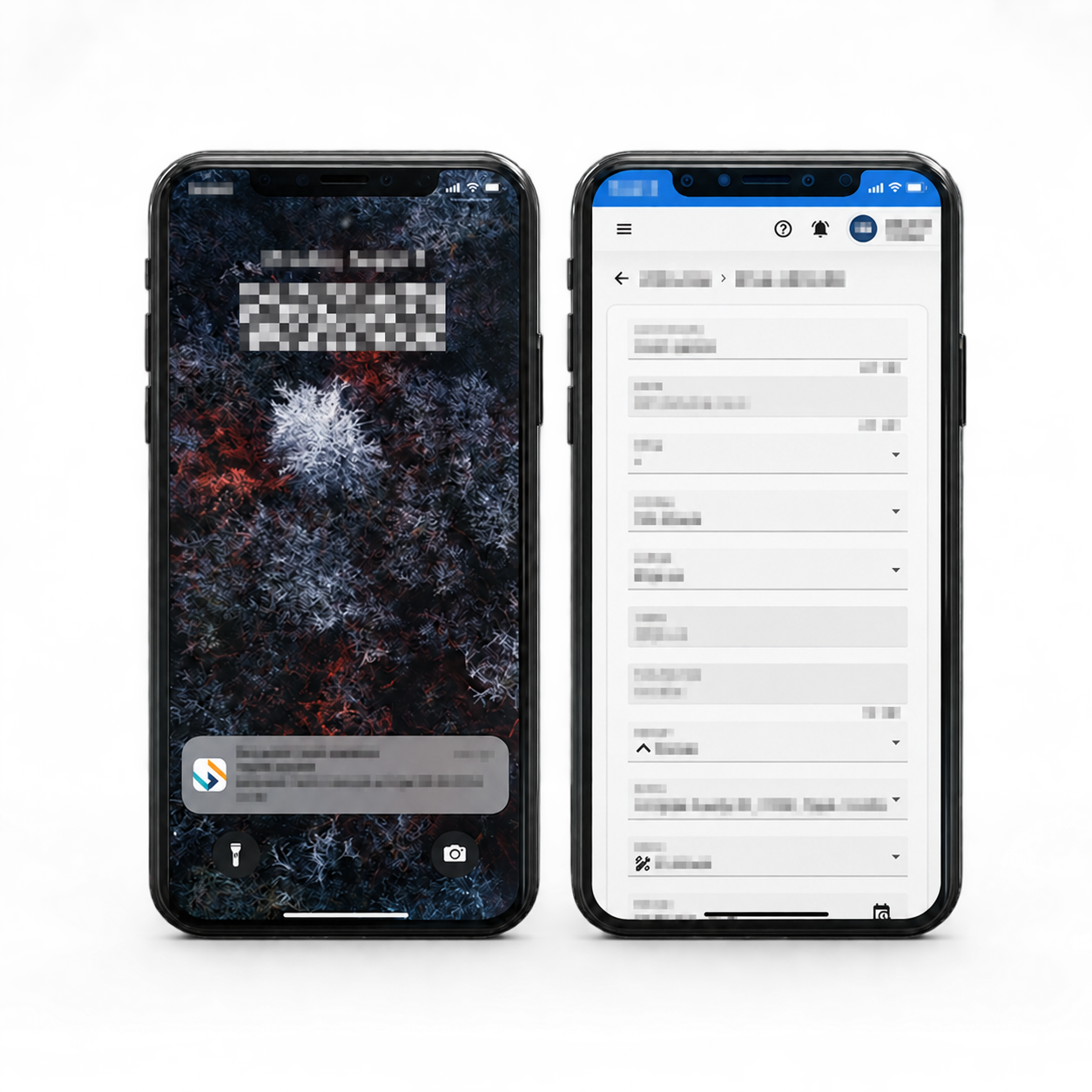
Fewer calls between office and field teams
The team gets what it needs to work, while the office tracks progress without interrupting people on the job.
- Reminders and schedule changes arrive on time.
- Notes, forms and documents stay with the right work order.
- Completed work and the customer's signature are immediately available to the office.
Time and attendance
Working hours in one place.
Spend less time gathering data at the end of the month. Employees simply record their arrival and departure, and you get an overview of recorded hours by person and period.
Easy mobile clock-in
Employees scan a QR code to record arrival or departure. When scanning isn't possible, they can record it without a QR code and have the entry checked later.
An hours overview for you and your team
Employees see their own records, while authorised managers see the whole team. Select a person and period to review arrivals, departures and total time.
Clean data for further processing
Review flagged records and correct missing entries while preserving change history. After checking, download the overview in Excel without adding up hours manually.
Track vehicle and equipment usage, too
Know who is signed in to a vehicle or piece of equipment and how long they use it. Usage time is tracked separately from working hours, giving you a clear view of both records.
Projects
Bigger jobs without scattered work orders and agreements
When a job takes longer and involves more people, deadlines and deliveries, everything stays connected within one project.
One project, one clear picture
Managers can immediately see what was agreed, which stage the job is at and what still needs to be completed.
Work orders, tasks, documents and coordination no longer live in separate spreadsheets and messages.
Stages and deadlines
See the current stage, next step and important deadlines.
Tasks and work orders
All related jobs are accessible from the same project.
Coordination and documents
Agreements, notes and files stay with the right job.
Complete history
Easily check what changed and when.
AI expert
Your company's knowledge, available to the whole team
Turn internal instructions, manuals and documentation into an assistant employees can ask in everyday language.
- Answers are based on the documents you choose.
- Each answer shows the source of its information.
- Questions can be typed or spoken.
Ask the AI expert
What should we check before completing the job?
Get a concise answer based on your rules and instructions, without searching long documents or waiting for a colleague who knows where to find the information.
Forms and work order signatures
From completing the work to signing the report on site
Record what was done, collect the customer's signature and save the final document with the work order while everyone is still on site.
Forms that fit your work
Record exactly the data and checks your process requires.
Your team fills it in on site
No retyping paperwork later or losing notes.
The customer signs the final report
The signed PDF stays saved with the relevant work order.
Agreed and completed work is clearly confirmed
Once signed, the form's content is locked and the final document remains available to office and field teams and authorised users.
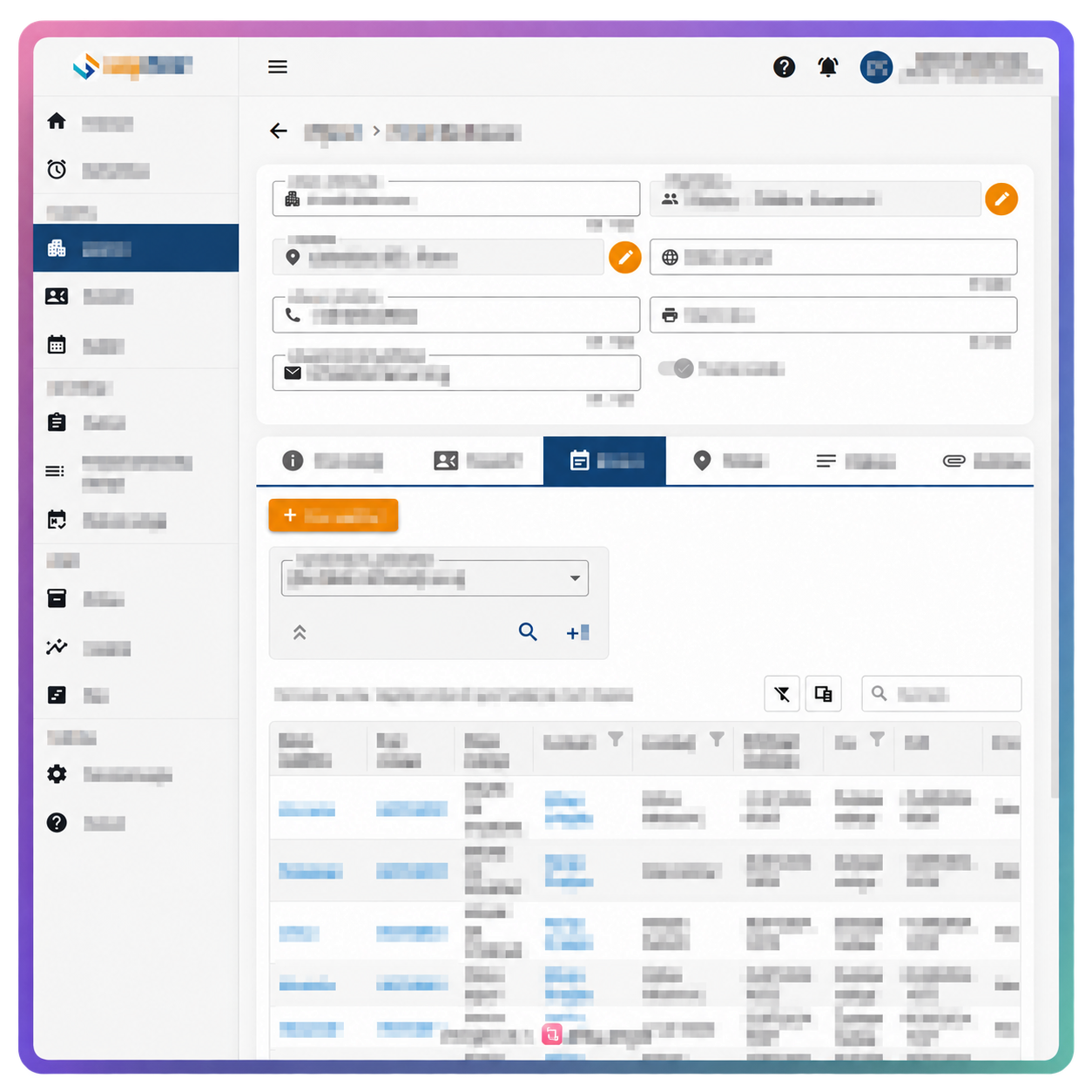
Connected sales and operations
One job, one clear workflow
Quotes and work orders are available alongside the customer and project they belong to. Sales has an overview of agreements, while operations has a delivery plan with clear responsibilities and deadlines.
- Estimate completion based on expected job duration and available people.
- Sales, preparation, delivery and field teams see up-to-date information.
- Every stage has an owner, a deadline and a clear next step.
- Changes, documents and agreements stay linked to the same job.
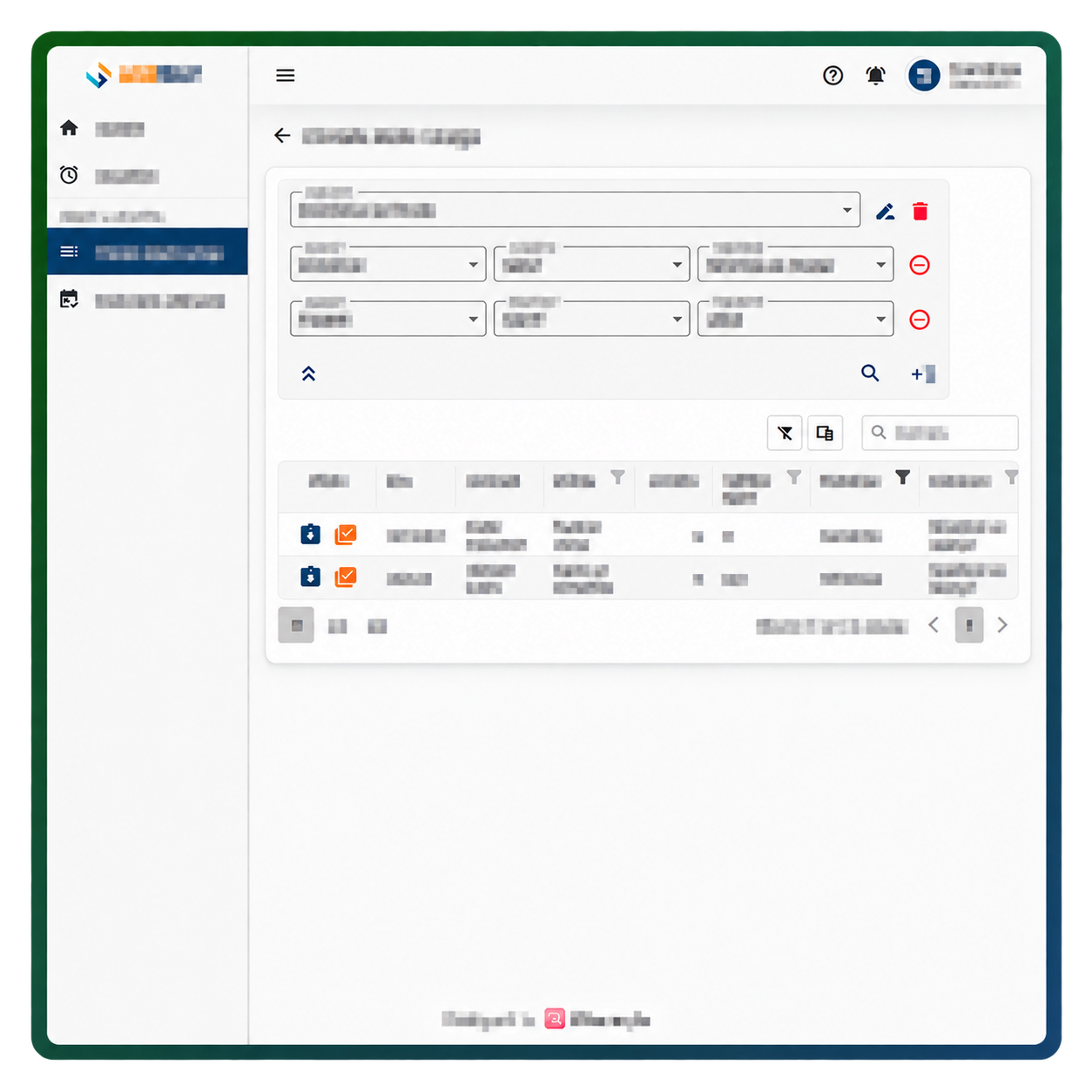
Products and warehouse
Sell and deliver without unwelcome surprises
Prepare quotes from a shared product catalogue, with customer-specific prices and discounts. Use the stock and warehouse reservation overview to prepare and deliver jobs.
Clear stock levels
See what is available, reserved and needed for open jobs.
Fewer errors
A shared catalogue makes preparing quotes and work orders easier, with less duplicate product data entry.
Planning and field work
Schedule people, appointments and locations more effectively
See team commitments and availability in one place. Field teams get the information they need, while the office tracks completed work.
- Match promised deadlines to available capacity more easily.
- Service technicians and installers see the address, task and documents on their phones.
- The office receives immediate updates on progress and completed jobs.
Even less manual work
Small tools that save time every day
Reduce repetitive steps and keep important commitments and documents in the same workflow.
Item templates
Prepare quotes and work orders faster with ready-made lists of products and quantities.
Quick item import
Import a longer list from an Excel or CSV file instead of entering it manually.
A quote ready for the customer
Download a quote with items, prices and terms, ready to send to the customer.
Reminders and notifications
Deadlines and agreed commitments reach the responsible person on time.
Online meetings
Quickly start a meeting within the same business environment.
Voice search
Say or type what you're looking for and reach the right list faster.
Let's see where your team loses the most time today
In a short conversation, we'll show you how Logsteer can connect sales, delivery, warehouse and field work for a simpler way of working.
Request a tailored demo